Make all of your retro game's art and sound in a shared aesthetic, and see it live in Godot.
Everything in the example game came out of JamChip: the cast from the Pixel tab, the ground from Tiles, the sounds from SFX.
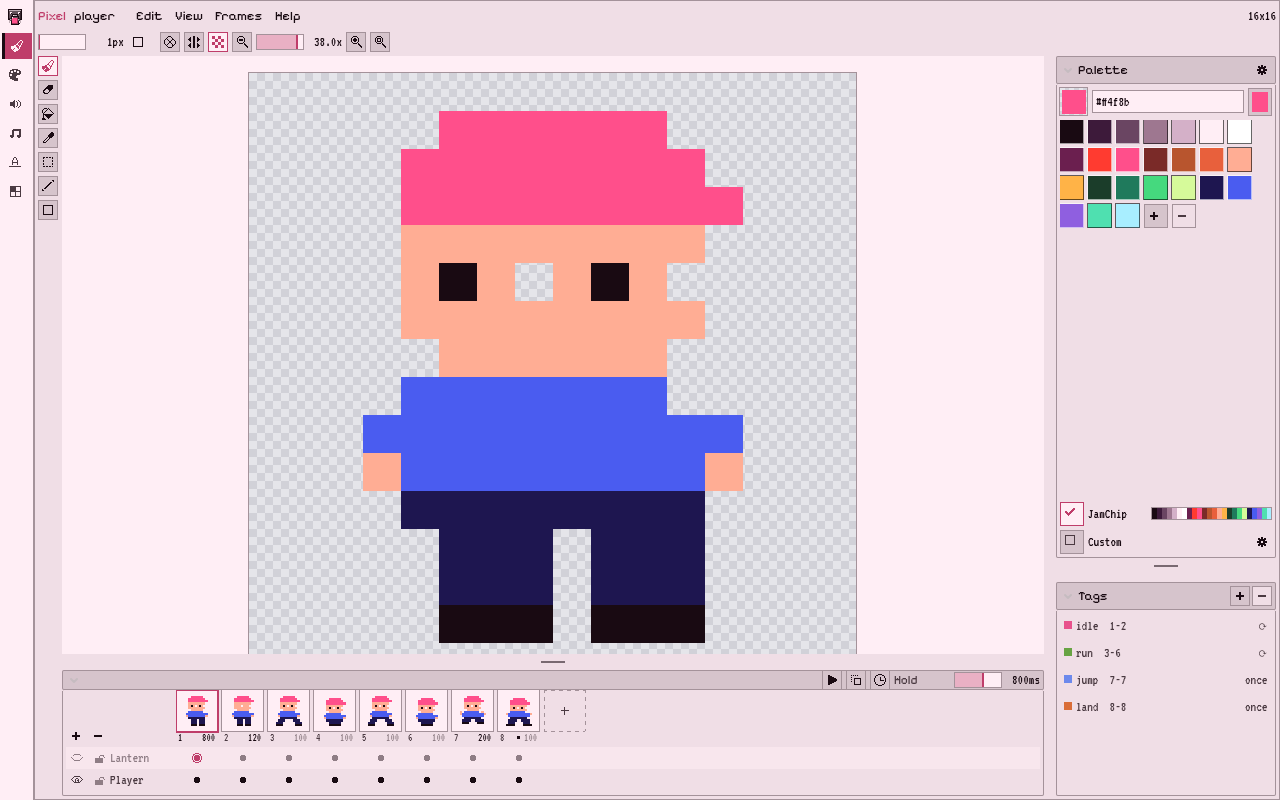
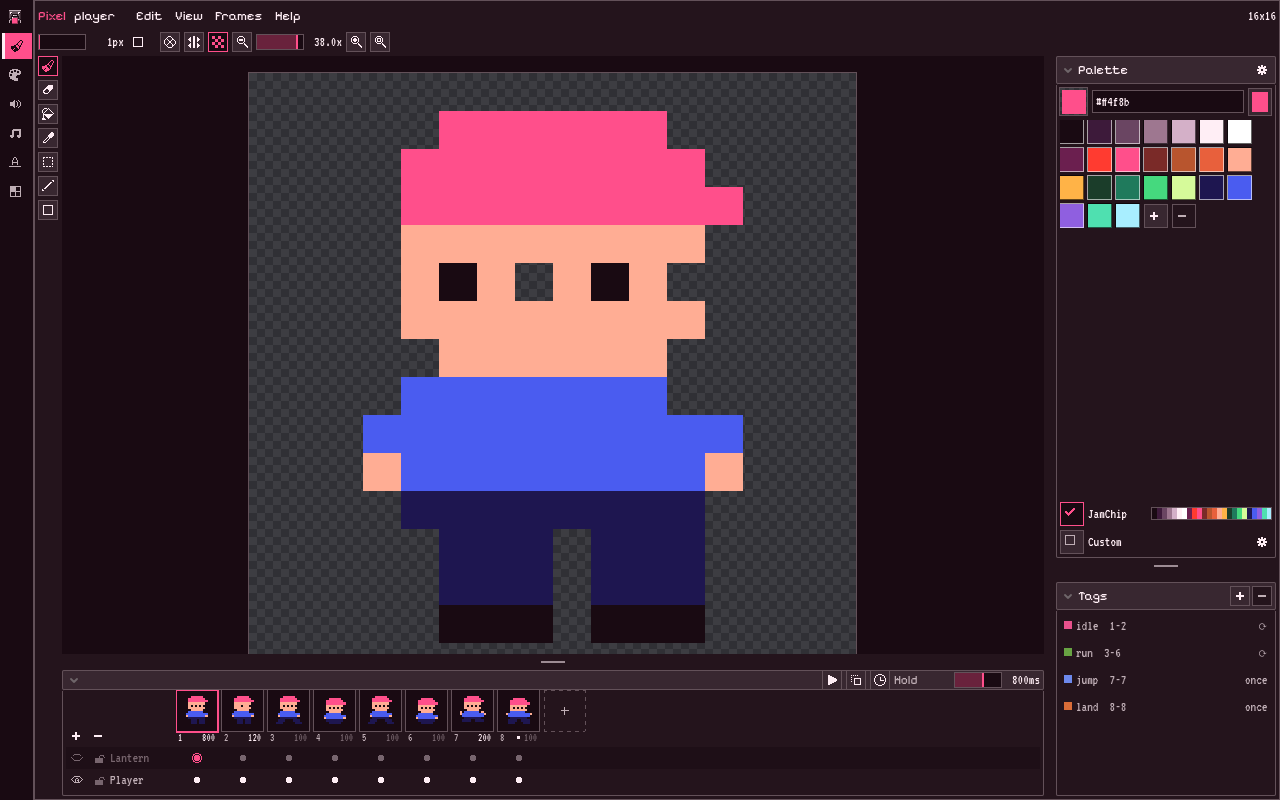
Making a small game means bouncing between tools. Draw in one, make sounds in another, export, import, fix the import settings, then go back and change one pixel and do it all again. JamChip puts the art and sound tools inside Godot so you can skip all that.
You don’t leave the editor.
Draw a sprite and the game shows it. Change a sound and the node plays the new one.
It’s all in one place.
Pixel art, sound effects, music, fonts, tiles and palettes. More as they come.
Nothing extra ships with your game.
Everything exports to PNG, SpriteFrames, TileSet, WAV.
What it costs
The plugin costs nothing. It’s MIT, needs no account and never phones home. Godot 4.7 or newer.
Try it early
JamChip's in closed testing until it launches free, planned for 5 February, so there's no zip here yet. Leave your email and Ev will write to you when there's room.
Try it earlyIt’s early. Two jam games have been built with it; the first said “promising but not ready” and the changelog shows what’s changed since. If you want to try it early and say what got in the way, leave your email.

JamChip, by GlitterSnack. MIT licence. Built from the source on every merge. Its artwork and screenshots are made with JamChip.