What JamChip is
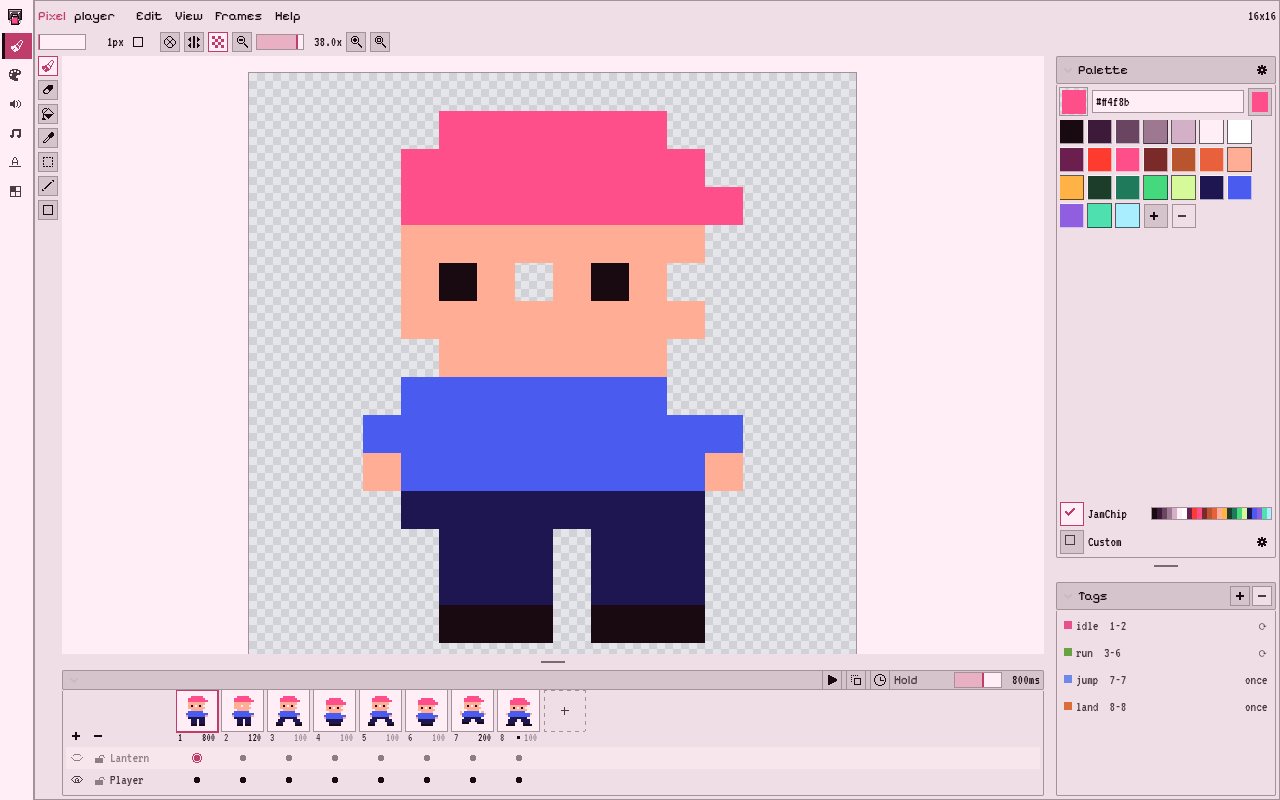
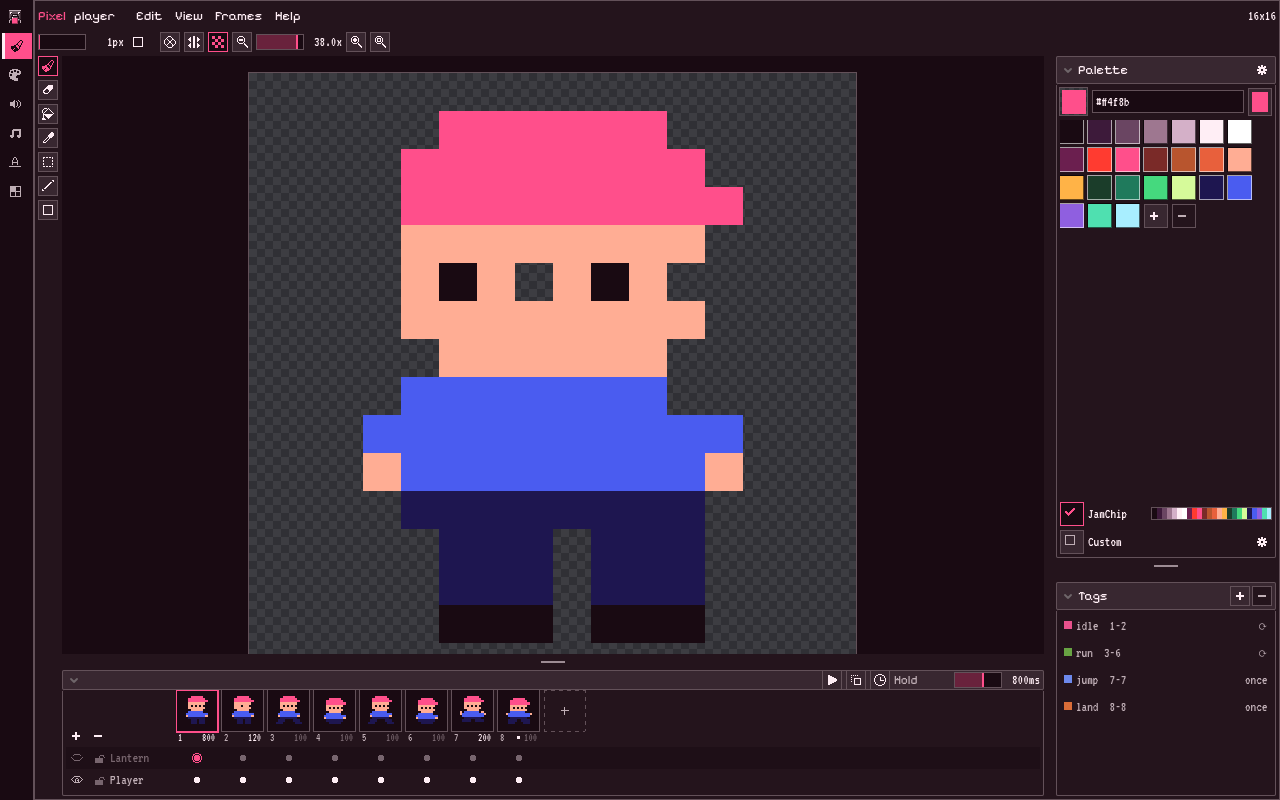
Pixel
Layers, frames and tags, and the tools you’d expect. Draw the player, tag idle and run, and a PixelSprite2D in the scene plays them. Export a PNG, a sheet with its SpriteFrames, a TileSet, or an Aseprite file.
SFX
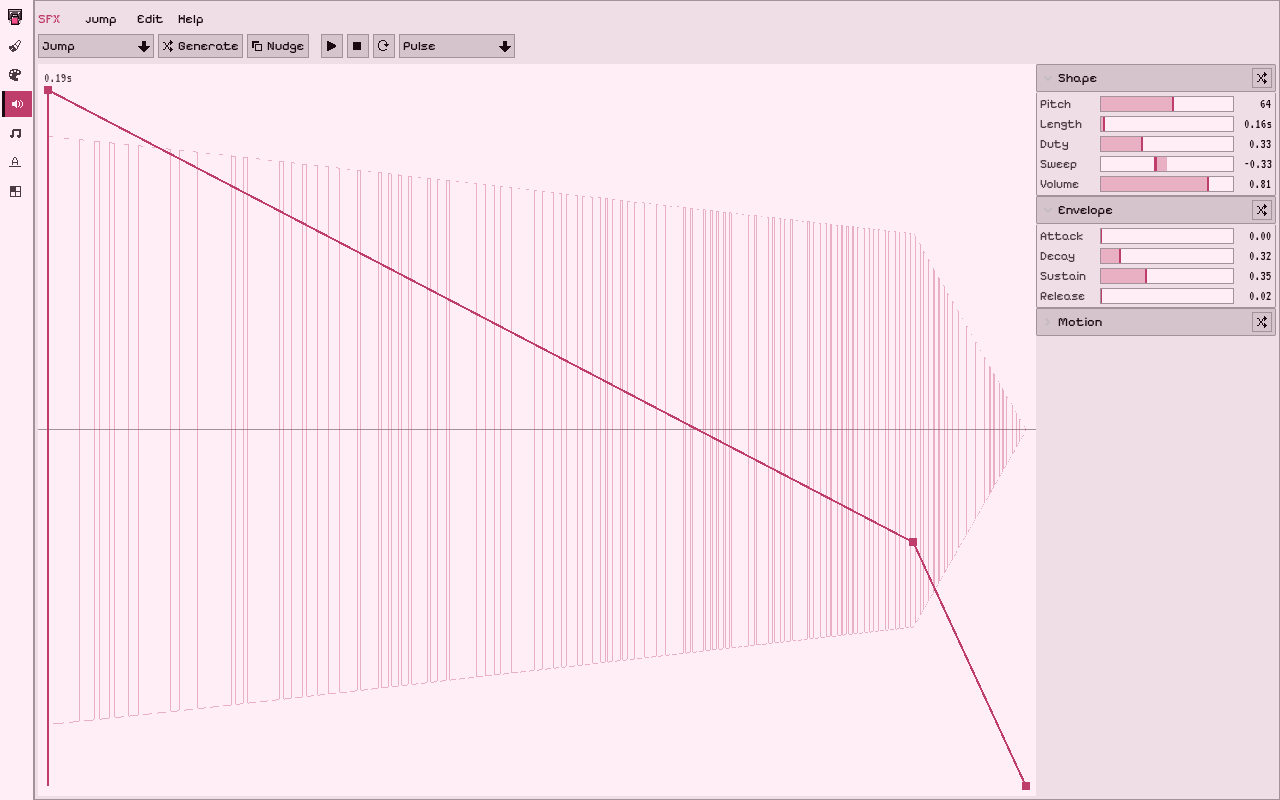
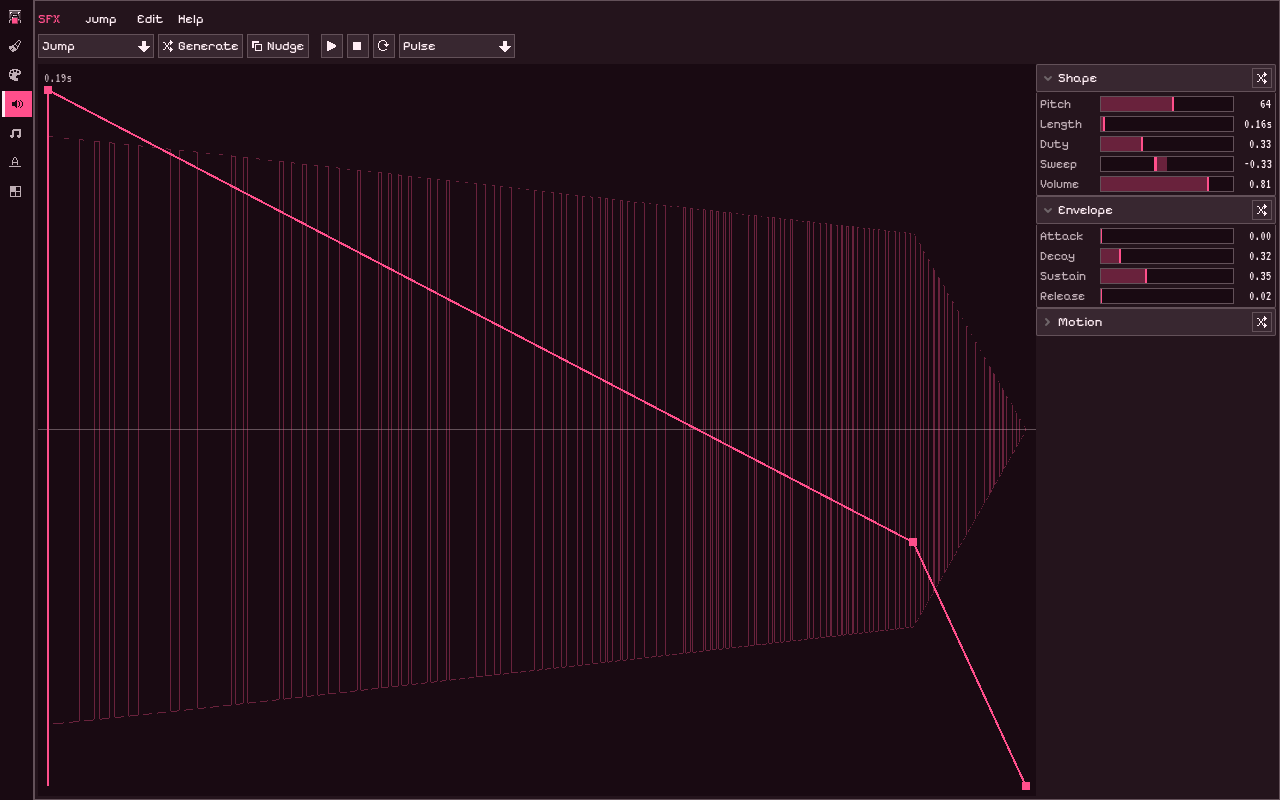
Pick an action, Jump, Hit, Pickup and seven more, roll one, then bend it on a rack of sliders until it’s the sound you meant. A ChiptuneSfxPlayer plays it in the game and follows every edit. Export a WAV when you want the file.
Tiles
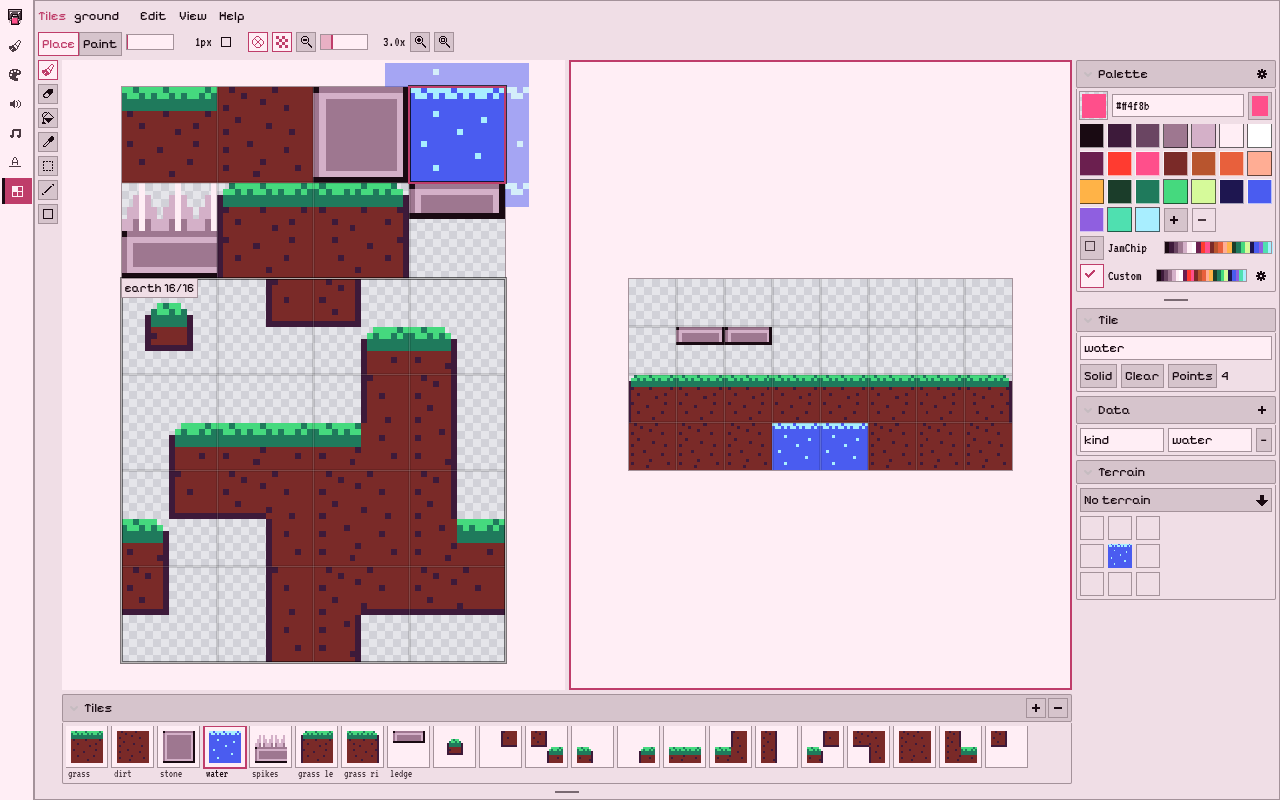
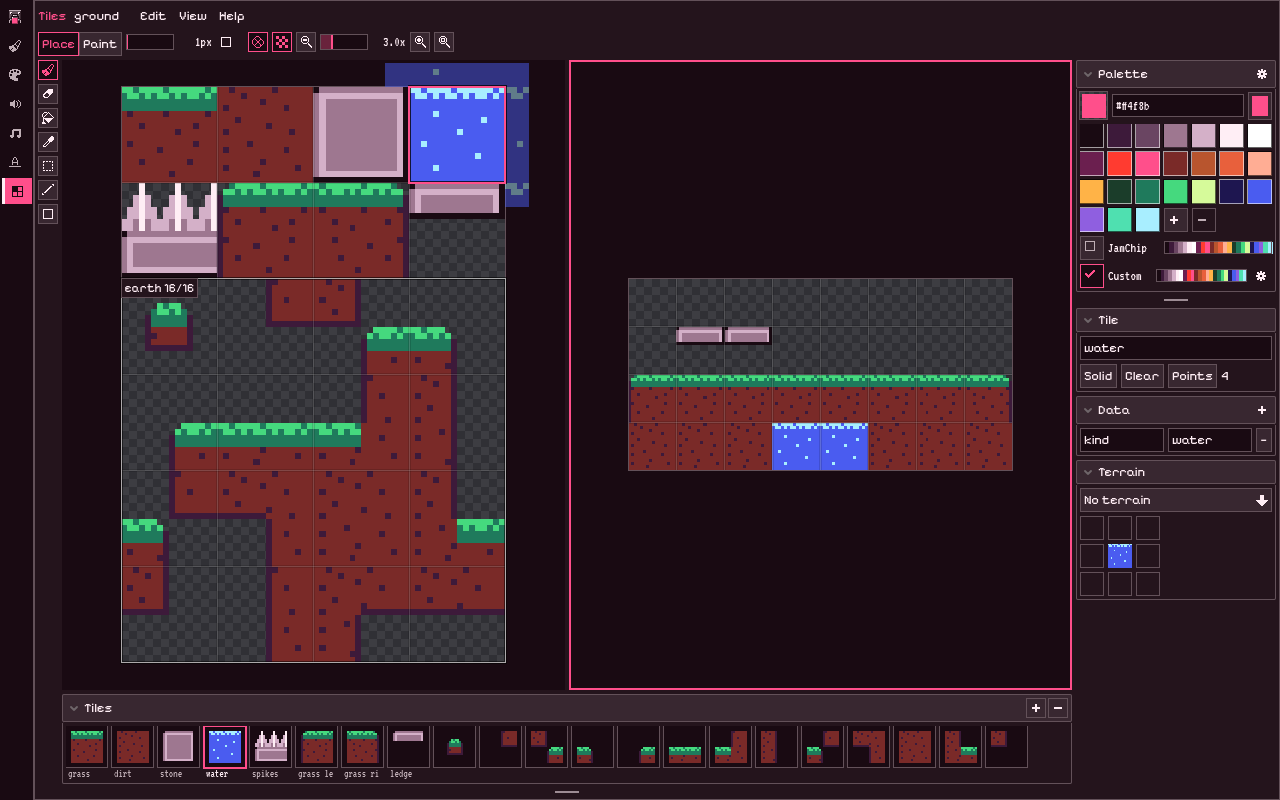
Draw the tiles on one sheet, give them names and collision, then paint them onto a scratch map to see how they repeat. Fix a seam on the sheet and the map follows. Hand the tileset to a PixelTileMapLayer and the level changes when a tile does.
Where it runs
In Godot
A dock in the editor with a pin rail, one pin per tab. The documents are resources in your project, and the nodes read them.
In the browser
The same tabs as a web build. It's in closed testing with the plugin until launch, so leave your email to try it early.
On an iPad
The same web build, by touch, one finger at a time for now; pinch and two-finger pan come later. Phones get a screenshot for now.
How a jam goes
- Draw the player in Pixel. Tag
idle,run,jump. - Make a jump and a hit in SFX. Bend a slider until it’s yours.
- Drop the documents on nodes. Press F5.
- Change a pixel, change a sound. The game shows it.

JamChip, by GlitterSnack. MIT licence. Built from the source on every merge. Its artwork and screenshots are made with JamChip.